


A common form of authentication used in SFTP transfers is Public Key authentication. In this form of authentication, the SFTP client creates a public and private key pair, and shares the public key with the SFTP Server admin. When authenticating, the SFTP client sends a small message signed with its private key that is verified by the server. This form of authentication is generally considered stronger than password authentication.
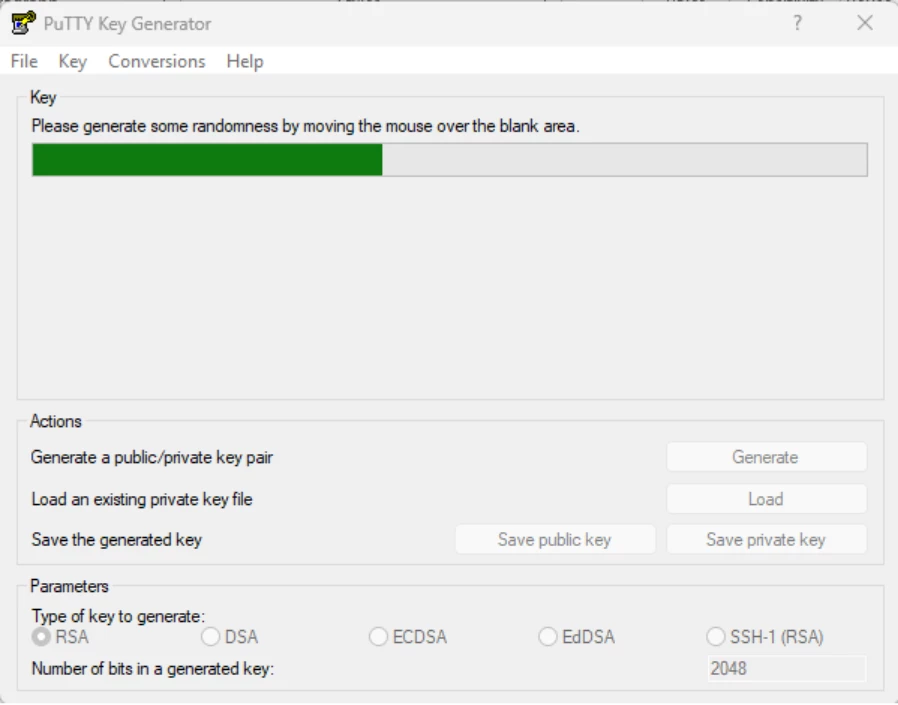
One of the most common tools for creating the key pair is through a free tool called PuTTYgen, which allows the user to create a new key pair:
Solution: Yes, key pairs generated via PuTTYgen can be used for both public key authentication from the client perspective in the SFTP connector and to authenticate inbound clients using the SFTP Server connector in CData Arc.
Public Key Authentication in client-side connections (SFTP connector)
To use a private key generated in PuTTYgen as your Client Certificate for public key authentication in an SFTP client, you can simply select the ppk file that was exported from PuTTYgen using the Save Private Key button:
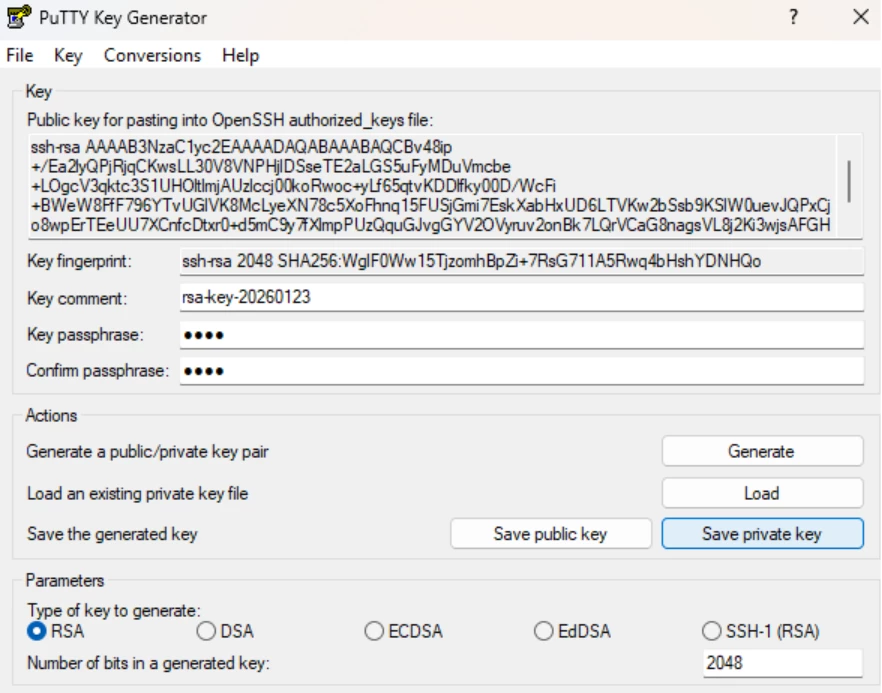
NOTE: It is recommended, but not required that you set a passphrase on your private key when exporting it for additional security.
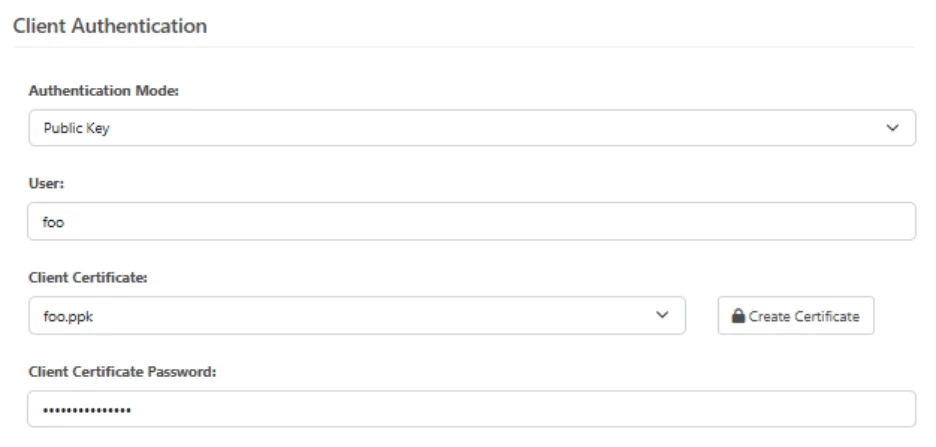
The same ppk file and passphrase can be selected in the SFTP connector when Public Key authentication is chosen:
Pubilc Key Authentication in server-side connections (SFTP Server)
To use a public key generated via PuTTYgen to authenticate a connecting client with the SFTP Server connector, you would simply save the certificate provided to you by the client to a file with a .pub extension.
You can either accept the certificate exported using the Save Public Key button to a file with a .pub extension:
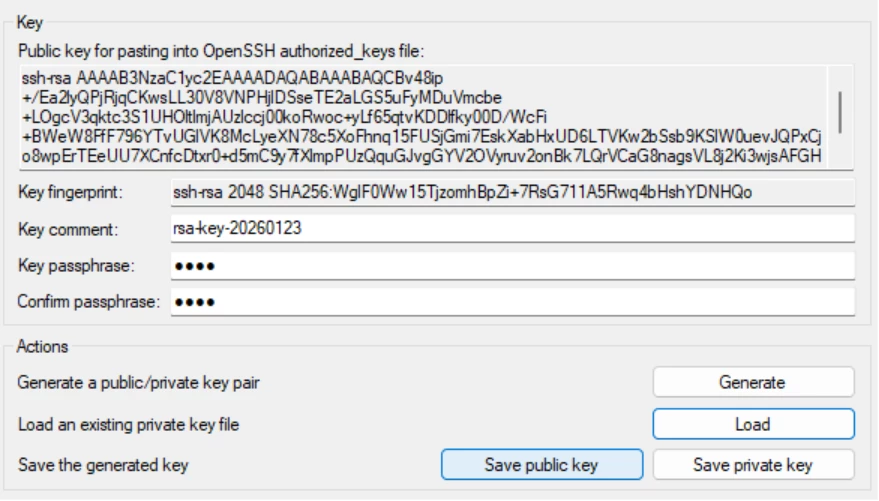
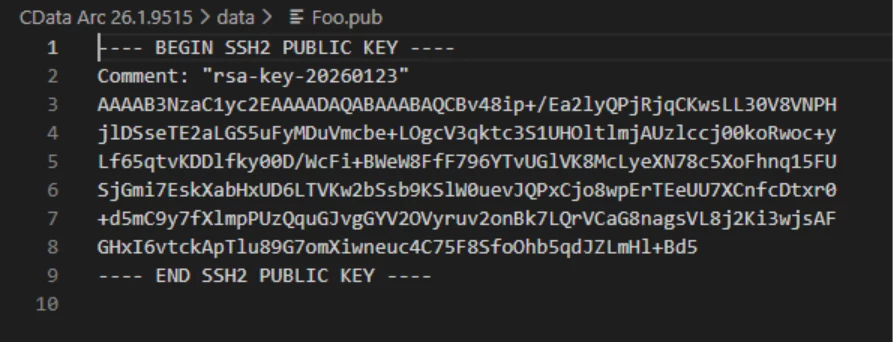
Or, if you are given the cut/paste contents of the key, similarly save that into a file with a .pub extension:

Either format can be configured as the Client Certificate in the SFTP Server’s user configuration:
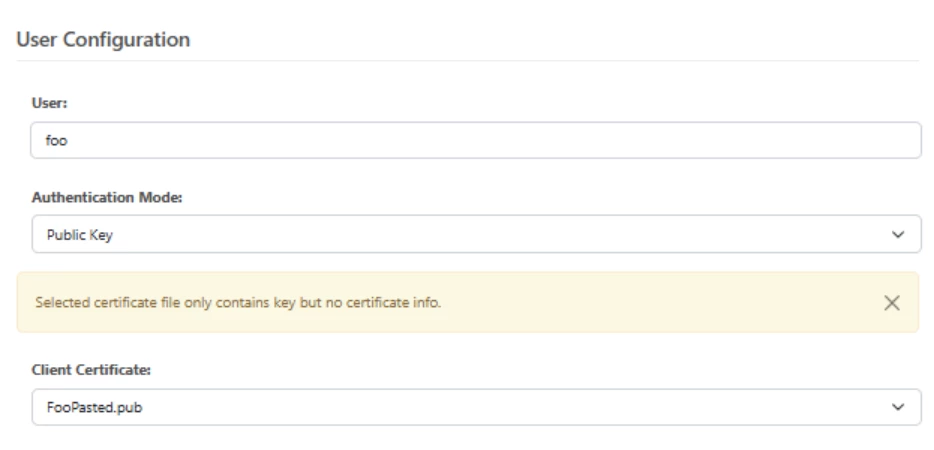
NOTE: The warning “Selected certificate file only contains key but no certificate info.” is to be expected for SSH public keys. For other public key formats such as X.509 (.cer files), you would see additional details about the certificate subject that are not pertinent to the SSH keys generated via PuTTYgen.
