
To download, install and use CData ADO.NET providers to develop .NET Core apps in MacOS, you will have to make use of NuGet package manager.
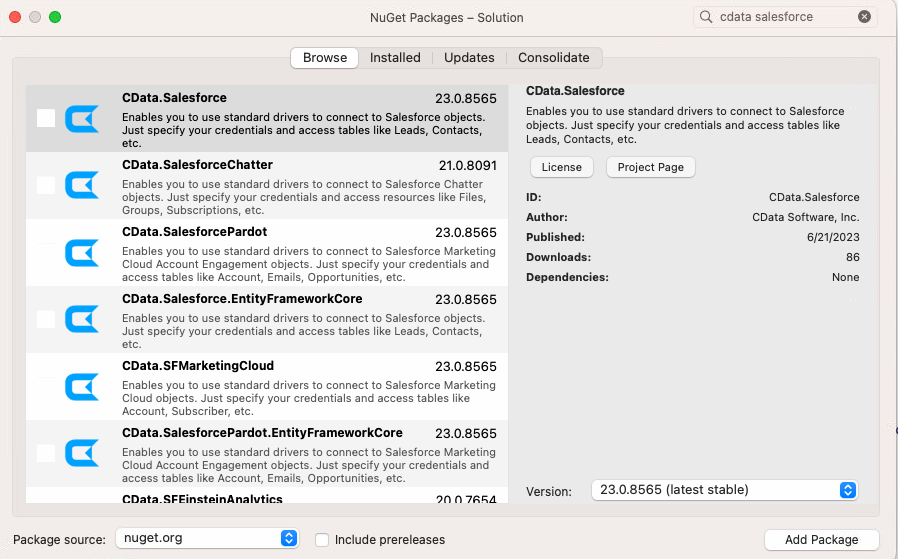
To manage NuGet packages, right-click on your solution’s name and navigate to “Manage NuGet Packages…”. Here you can search for your desired provider, and then install it by clicking on “Add Package”.
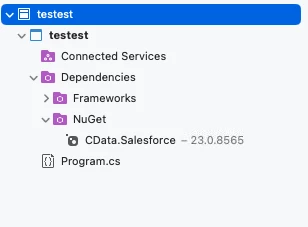
After installing it you should see the provider inside the dependencies folder.
To use the provider, you will also need a license. To get a trial or a full license please reach out to [email protected].
