
Is there a way to set a default Schema to default to when saving information into SQL server? I know how to do it by each table but find my self forgetting from time to time.

Solved
set default Schema for SQL Server
Best answer by Ethem Q
Hi
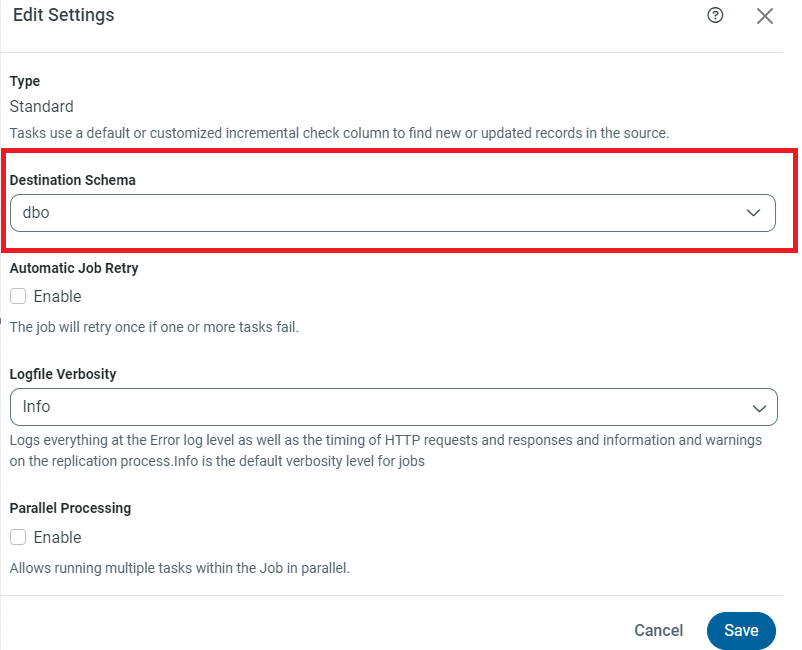
The easiest way to set the schema in the destination to default to an SQL Server schema of your choice would be to simply set the ‘Destination Schema’ property in the Overview tab when opening the job. See screenshot for reference:
If you have any other questions don’t hesitate to reach out to the support team at [email protected].
This topic has been closed for replies.



Enter your E-mail address. We'll send you an e-mail with instructions to reset your password.