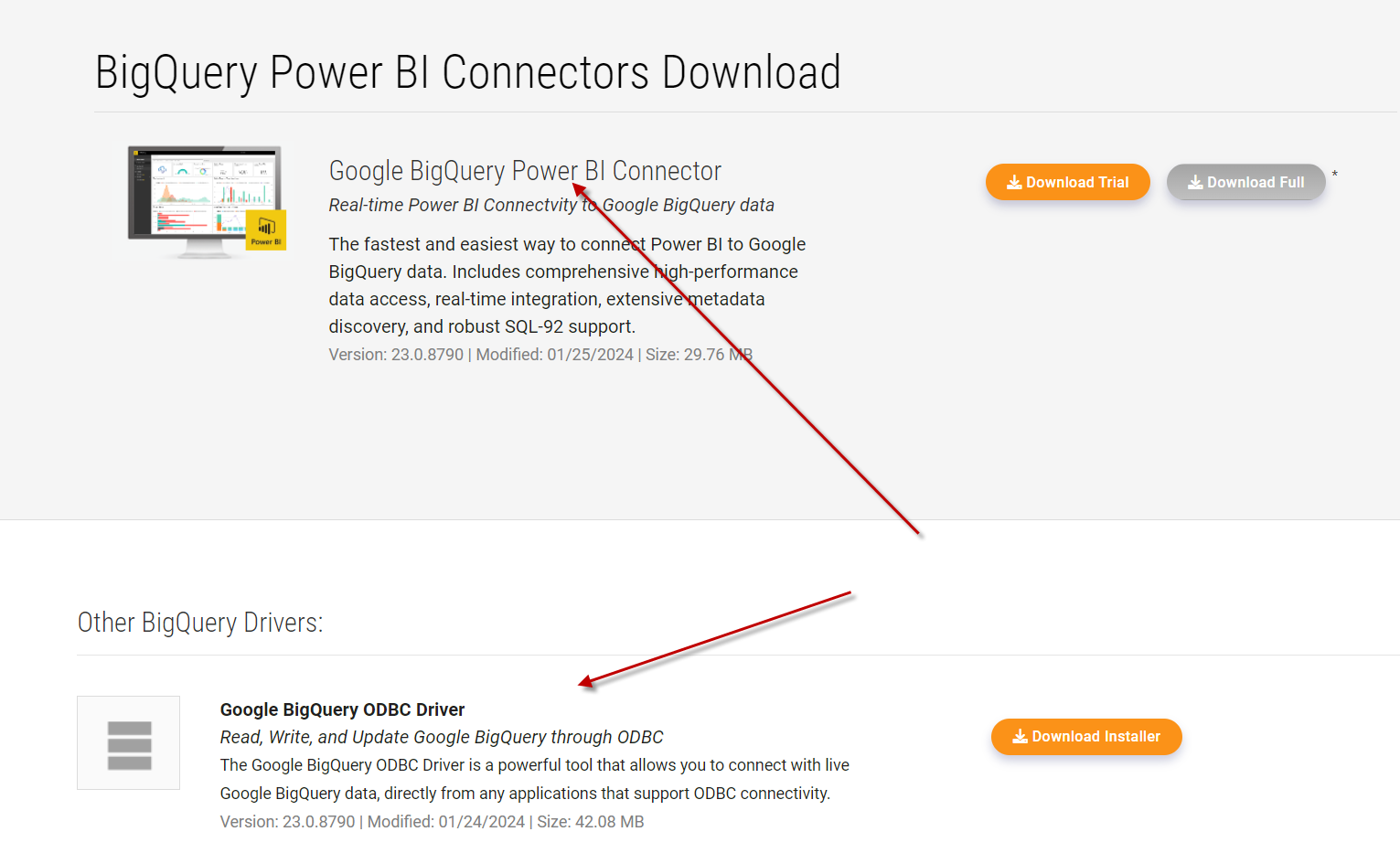
Have a user that gets the following error when trying to refresh the data & import more data using PowerBI. How can I remedy this for her?




Have a user that gets the following error when trying to refresh the data & import more data using PowerBI. How can I remedy this for her?
Best answer by Ethem Q
If you are getting the same error, it means you are still using the other connector and not the CData one. The first step after the installation is to set up a successful connection which you can do by following the steps from the help documentation: https://cdn.cdata.com/help/DBJ/powerbi/pg_connectionpowerbi.htm
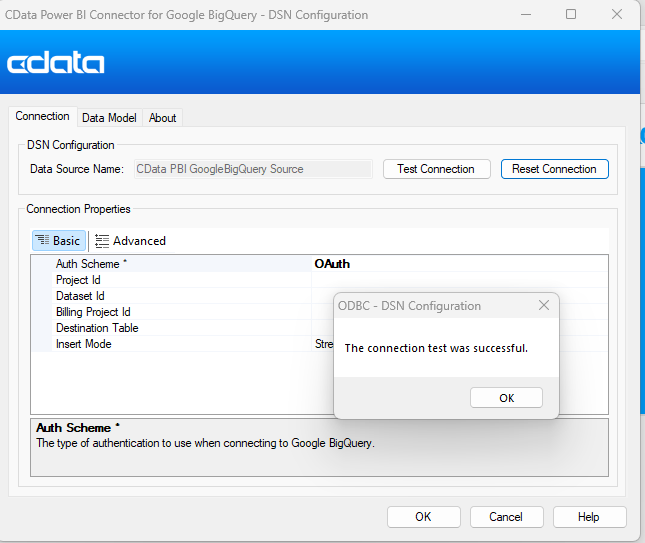
After a successful connection you will have to select the appropriate CData BigQuery connector in PowerBI in order to get connected. See screenshot below:
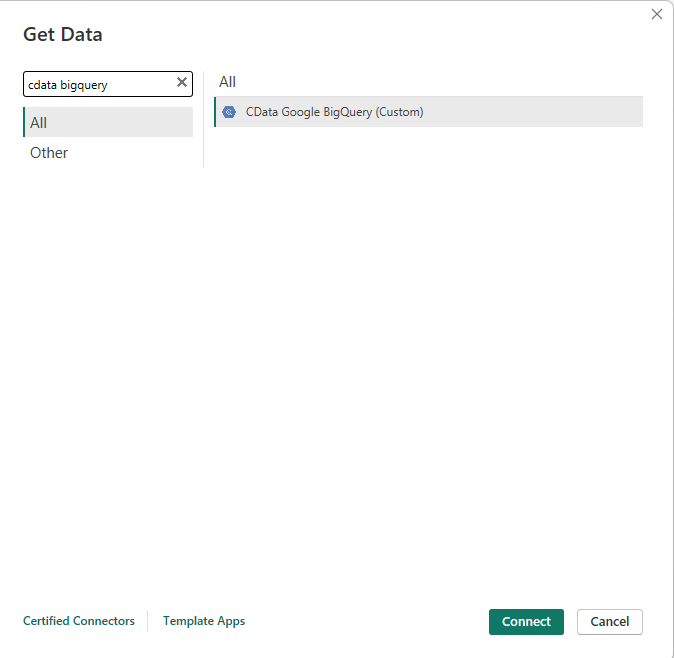
You might also want to review this section of the documentation to learn more on how to connect in Power BI Desktop:
https://cdn.cdata.com/help/DBJ/powerbi/pg_getdatapowerbi.htm
If things are unclear to you or if you keep having issues please reach out to our support team at [email protected].

Enter your E-mail address. We'll send you an e-mail with instructions to reset your password.