

Solved

Functionality of Connect Spreadsheets

  • January 31, 2025
  • 3 replies
  • 104 views

Forum|alt.badge.img

Greetings,

I am in the process of creating an advice report to a corporate client who is interested if CData Connect Spreadsheet is a right tool for her needs.

The following features are required:

  1. Load data from multiple backend Excel spreadsheets to a report sheet in Excel.
  2. Update the report sheet and push updates to the backend sheets if needed.
  3. Create joins using backend spreadsheets and display them in the report in Excel. 
  4. Joins should be created in GUI without using SQL queries. 

Do you think these objectives can be effectively achieved using CData add-in for Excel?


Thanks,
Eugene
Best answer by Anonymous

Hi, Eugene!

The CData Connect Spreadsheets tool is a very versatile application for connecting data from a wide variety of data sources into Excel and Google Sheets! If your goal for example was to connect data from instances of Excel Online in to the Desktop edition of Excel, then Connect AI would be a perfect fit for your use case.

Connect Spreadsheets also supports updating back back to the source where applicable, so that feature is also covered.

While it does support JOINS via custom SQL Queries, it doesn’t currently support doing so strictly from a GUI. We do however offer a separate tool called Connect AI which does support this!: https://www.cdata.com/ai/

Connect AI supports JOINS to combine data from multiple tables together. While this would typically be accomplished via a custom SQL query, you can also accomplish this via the Query Builder GUI. You can read more about creating derived views joining multiple tables in the documentation here:

https://cloud.cdata.com/docs/QueryBuilder.html

I hope that this answers all of your questions!

This topic has been closed for replies.

3 replies

  • Answer
  • January 31, 2025

Hi, Eugene!

The CData Connect Spreadsheets tool is a very versatile application for connecting data from a wide variety of data sources into Excel and Google Sheets! If your goal for example was to connect data from instances of Excel Online in to the Desktop edition of Excel, then Connect AI would be a perfect fit for your use case.

Connect Spreadsheets also supports updating back back to the source where applicable, so that feature is also covered.

While it does support JOINS via custom SQL Queries, it doesn’t currently support doing so strictly from a GUI. We do however offer a separate tool called Connect AI which does support this!: https://www.cdata.com/ai/

Connect AI supports JOINS to combine data from multiple tables together. While this would typically be accomplished via a custom SQL query, you can also accomplish this via the Query Builder GUI. You can read more about creating derived views joining multiple tables in the documentation here:

https://cloud.cdata.com/docs/QueryBuilder.html

I hope that this answers all of your questions!


Forum|alt.badge.img
  • Author
  • Apprentice
  • February 1, 2025

Hi Alex,

Thank you so much.

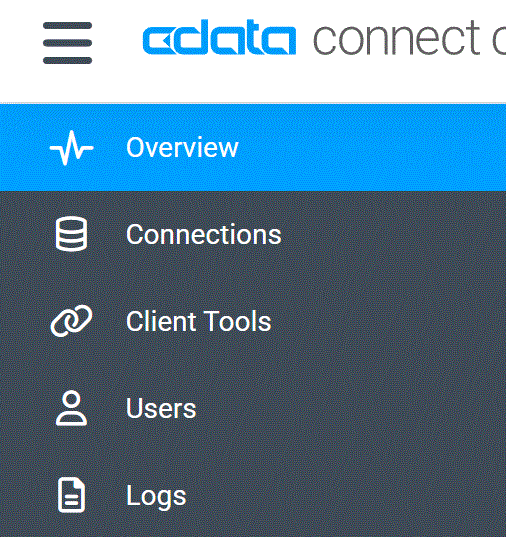
I am trying to check the tool that you mentioned, i.e., Connect AI. However, I do not see features that are shown in the tour of the tool. Data manager and query builder are missing. Also, I only see Connect Spreadsheets in Excel’s Add-in list.

Does the trial version support all these features?

Best,
Eugene


  • February 4, 2025

Hi, Eugene.

If you aren’t seeing the Data Explorer option, it could mean that you’re signed up as a Query User. You’ll need to contact our internal support team to resolve this and ensure that you have the necessary account. You can contact them using this link here:

https://www.cdata.com/support/submit.aspx
