

CData Connect Cloud makes it simple to manage your subscription through self-service directly in the platform. If you have signed up for a trial and wish to cancel, you can complete the process from your own account.
Follow the steps below to complete the cancellation process.
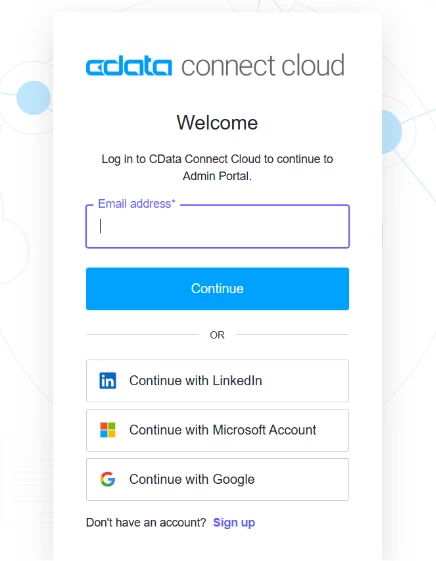
Step 1: Log in to your account
-
Go to https://cloud.cdata.com/.
-
Enter your registered email and password to sign in.
Step 2: Open the settings page
-
From the left-hand navigation panel, click on Settings.
-
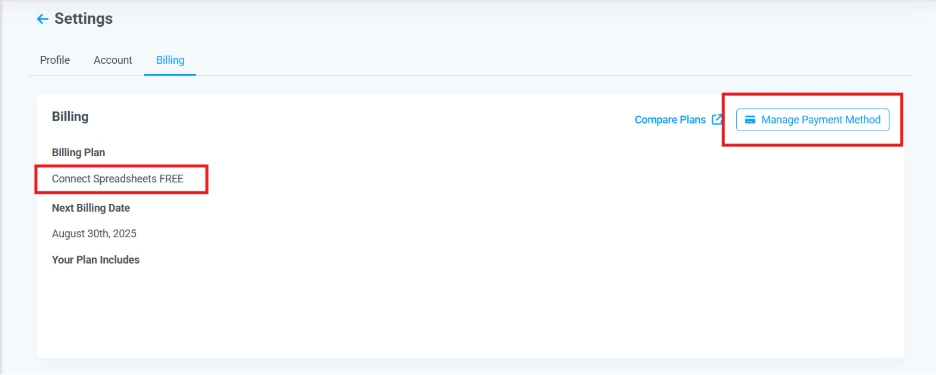
Under Settings, select Billing.

Step 3: On the Billing page, you will see details about your current plan. If no billing information was added, you should see that you are on the Connect Spreadsheets FREE plan.
Step 4: Click the Manage Subscription button to open the subscription management options.
Step 5: Cancel your subscription
-
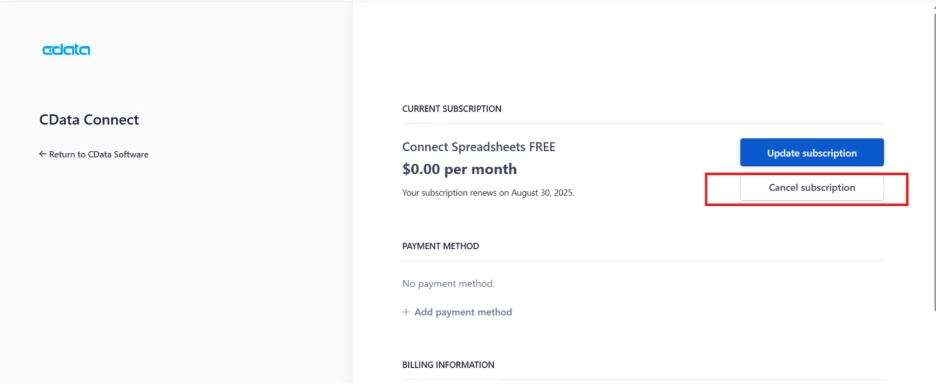
Select Cancel Subscription and follow the prompts to confirm the cancellation.
If you encounter any issues during the process, please contact the Connect Cloud support team at [email protected].
