Hi @Renukachari_Kasee
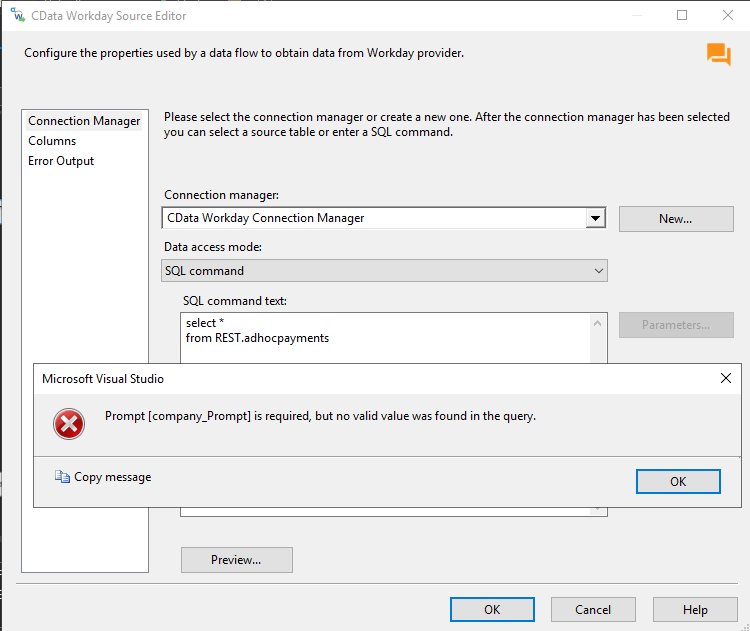
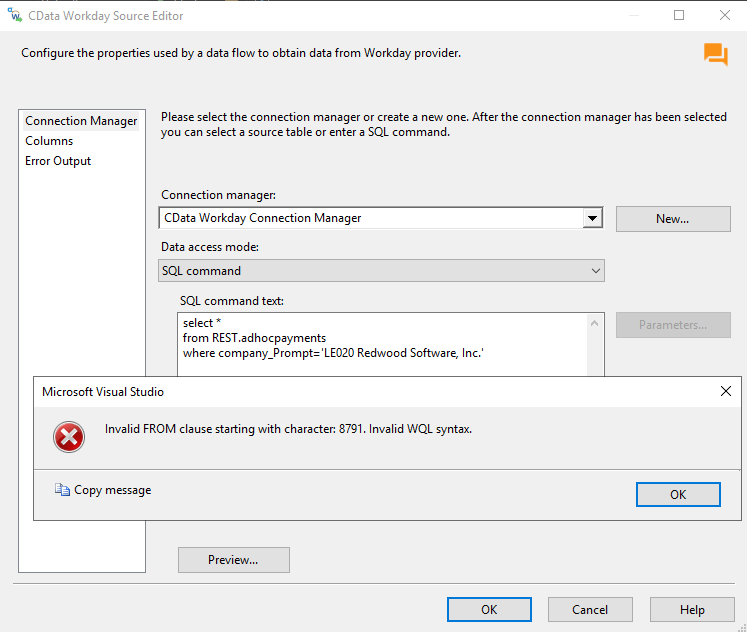
From the screenshots that you have attached in the comments, I suspect you are using an older version of the SSIS Components for Workday. There have been some changes in the v23 version with the Schema organization for the Workday data providers and in the updated version of the Components both AdHocPayments and CreditCardTransactions views fall under the WQL schema instead of the REST schema. That being said, I would recommend you download the updated SSIS Components for Workday in order to be on the most recent version:
https://www.cdata.com/drivers/workday/download/ssis/
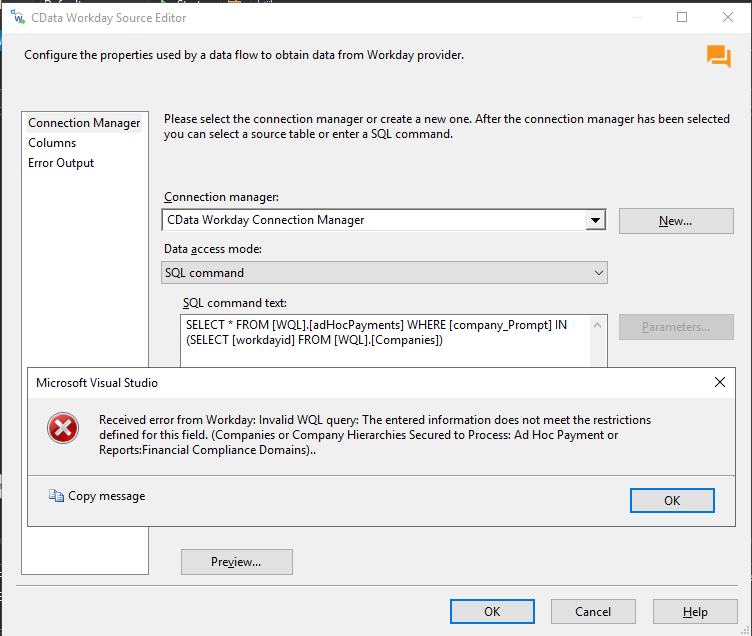
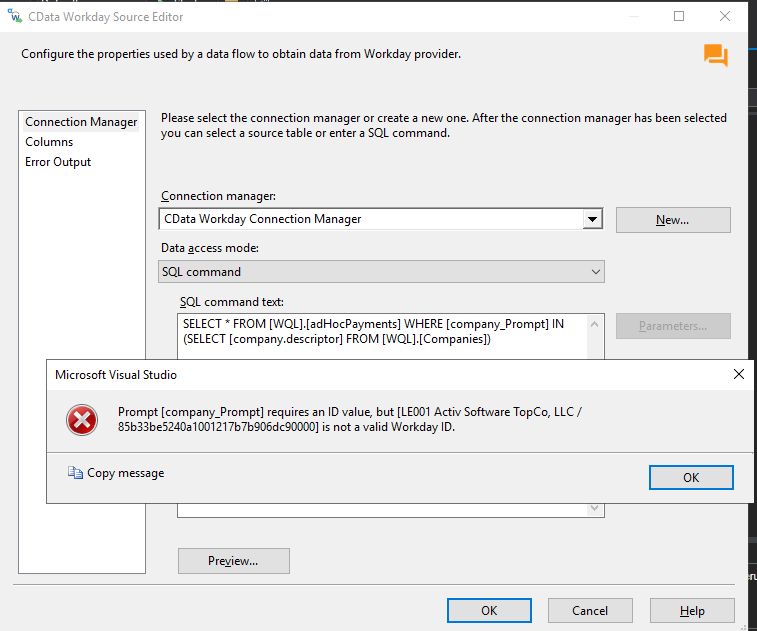
Regarding the error messages that you are facing, I would like to point out that in both cases the problem appears to be stemming from specifying the company_Prompt.
For starters, there is no need to specify a company_Prompt for CreditCardTransactions as company_Prompt is not a valid column for this particular table. However, you can filter with workdayID if you want, which you can get from the following query:
SELECT [workdayid], [company.descriptor] FROM [Companies]
As for the AdHocPayments view, the company_Prompt is indeed a required column so you will need to make sure that you specify a valid value for this column. In order to get the company_Prompts you can use the same query as outlined above:
SELECT [workdayid], [company.descriptor] FROM [Companies]
The values returned in the workdayId column can be used as company_Prompts as in the example below:
SELECT [workdayid], [company.descriptor] FROM [Companies]
Alternatively you can run another query in order to get all the data for all company_Prompts if that is what you want:
SELECT * FROM [adHocPayments] WHERE [company_Prompt] IN (SELECT [workdayid] FROM [Companies])
Feel free to reach out to our support team at [email protected] in case you have any other questions.