HI @Renukachari_Kasee
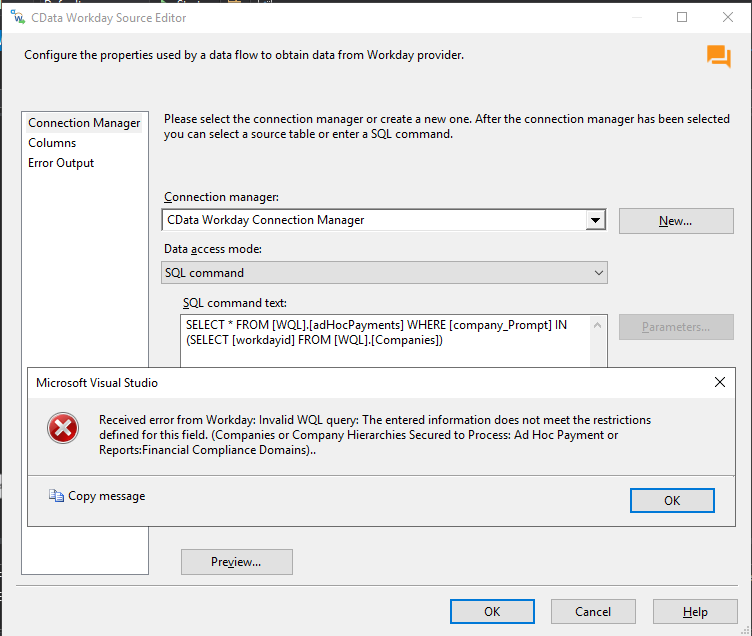
The "Received error from Workday: Invalid WQL query: The entered information does not meet the restrictions defined for this field" is a generic error message coming from Workday that can be thrown due to various reasons.
One cause that comes to mind is that in your case the IN clause is not being honored for the company_prompt field. This can happen since company_prompt is a single-value prompt. Can you try setting the 'SplitSingleValuePrompts' property to True in your connection configuration and see if anything changes for you?
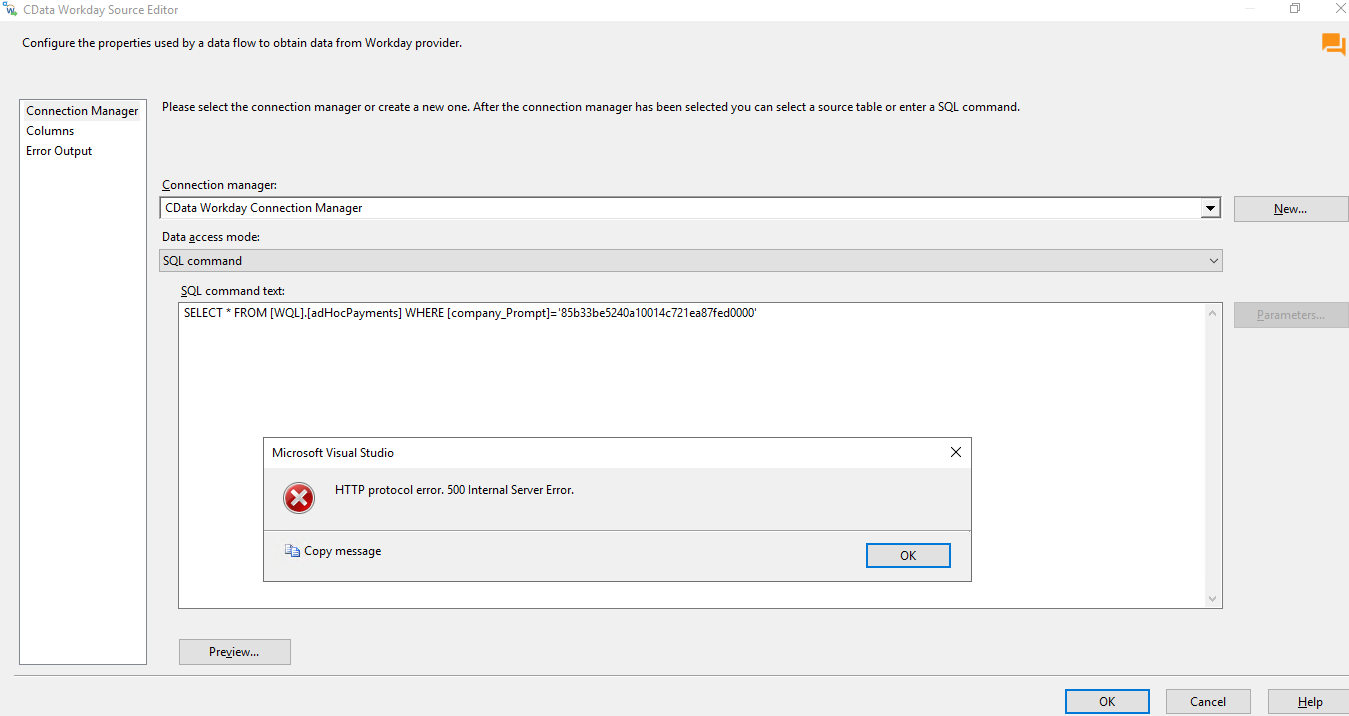
Another reason might be lack of permissions to access data for certain company_Prompts. Also, are you able to get data when you specify a single company_Prompt where the company_Prompt is a workdayId that you can access as in the following example?
SELECT * FROM AdHocPayments WHERE company_Prompt='..........'
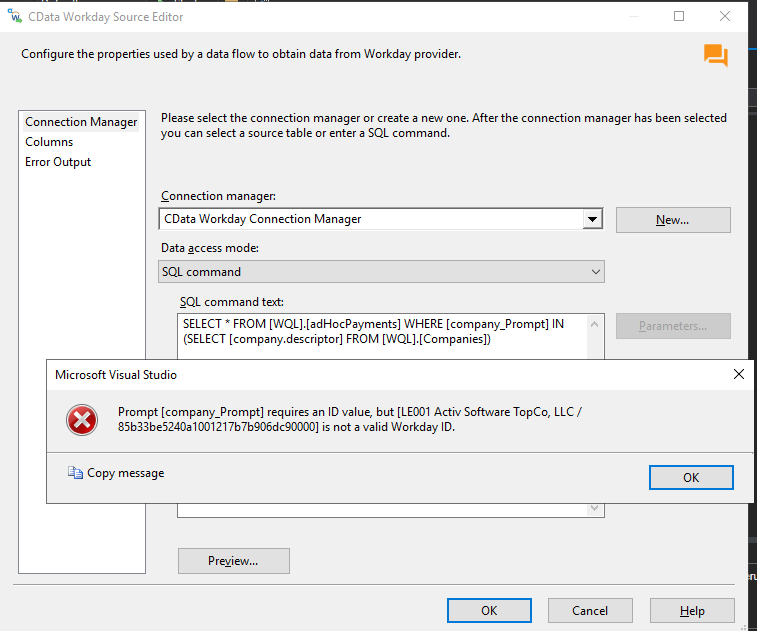
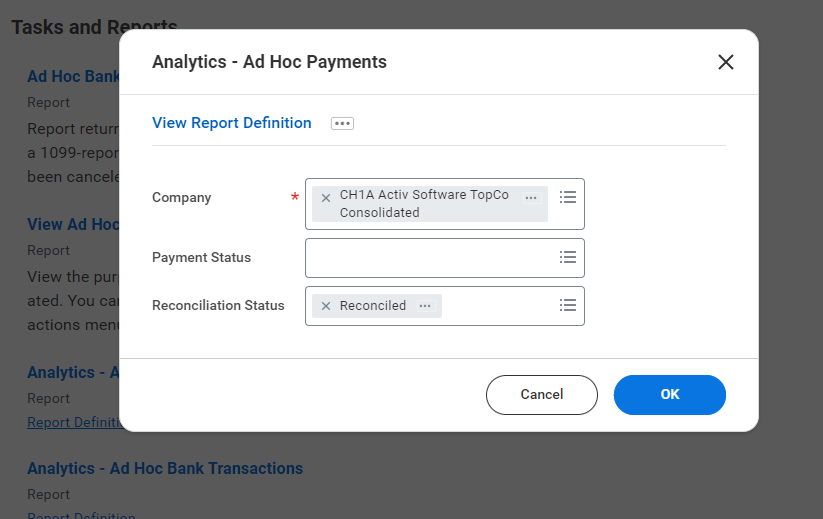
Note that the company.Descriptor does not match the company_prompt. The format of the company_Prompt value is that of an ID, more specifically it matches with the values returned for the workdayId column.
Keep in mind that you will also need to ensure that you have the correct permissions to access the data for all company_Prompts if you want to use the original query so you will need to double-check with your Workday Admin on that.
In case any of the above does not help, the next best course of action would be to enable logging by setting the Logfile and Verbosity properties, in order to determine how the query is being sent and what exactly triggers the error with the Invalid WQL query. The logs will definitely provide more context on the issue. To enable logging set Logfile to a file path where the logfile will be written to (ex Logfile=C:/Users/Public/CDataWorkday.txt) and Verbosity=3.That said, I would invite you to submit a ticket with our support team https://www.cdata.com/support/submit.aspx with the details of the issue and after that someone from our support team will follow up with a secure link where you can upload the logfile.
As for the second inquiry, we do expose certain system tables that will give you schema information as well as details on all the tables and views existing in Workday. To get a list of all the tables and views you can use the following:
SELECT * FROM sys_tables
If you want to get additional information like the name of the columns and other details for each table you can run a query as follows:
SELECT * FROM sys_tablecolumns WHERE TableName='....'
You can read more about the system tables here: https://cdn.cdata.com/help/JWJ/rssis/pg_allsystables.htm