Solved

CDataZohoCRM. How to bypass the "Remote host during SSL negotiation" Error

  • September 25, 2023
  • 5 replies
  • 619 views

Forum|alt.badge.img

Hi,

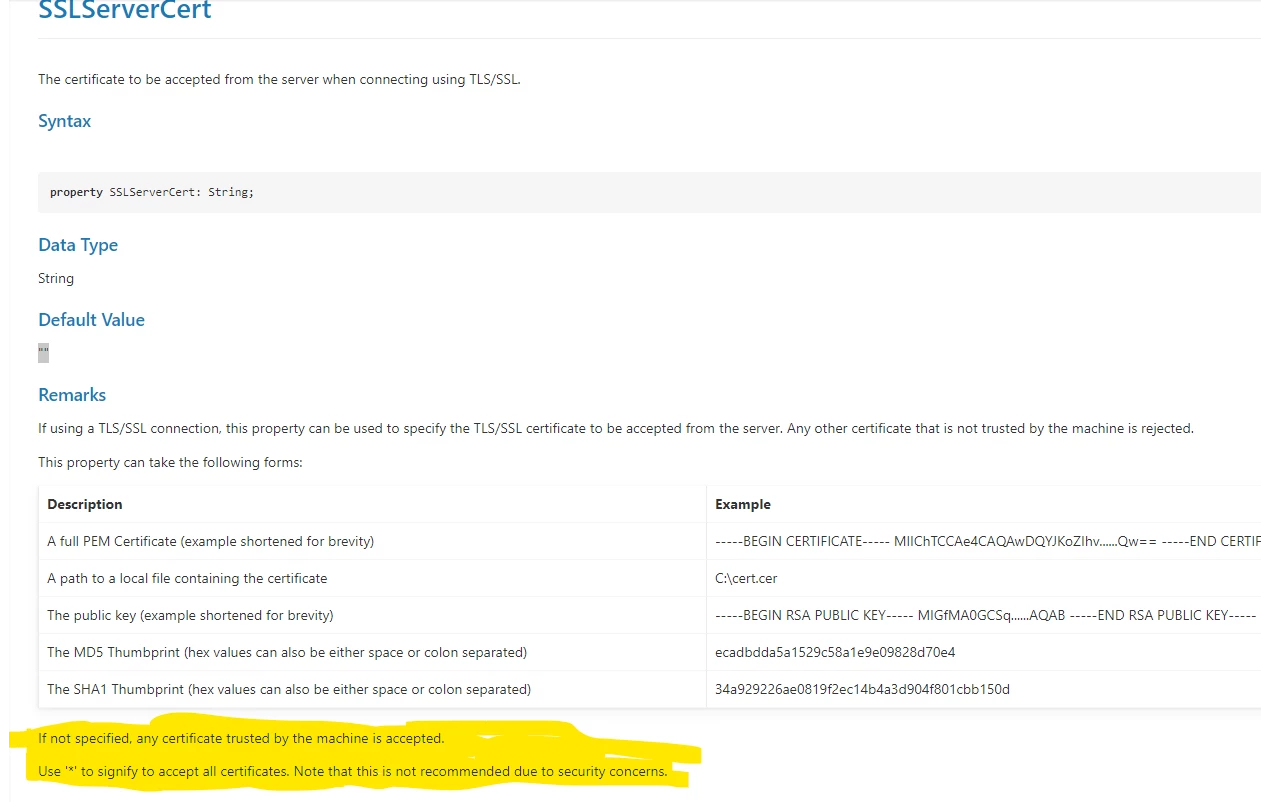
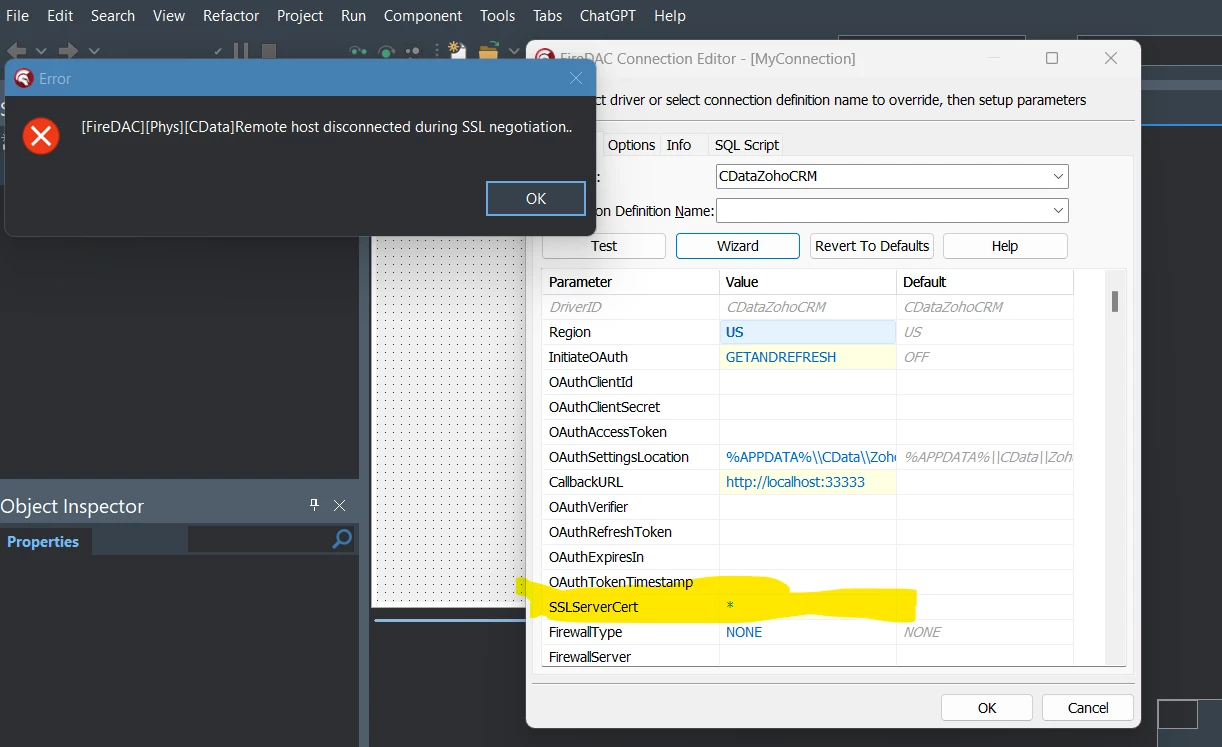
Following the instructions on the help I have set the property “SSLServerCert” to “*” to allow all certificates.


If not specified, any certificate trusted by the machine is accepted.

Use '*' to signify to accept all certificates. Note that this is not recommended due to security concerns.


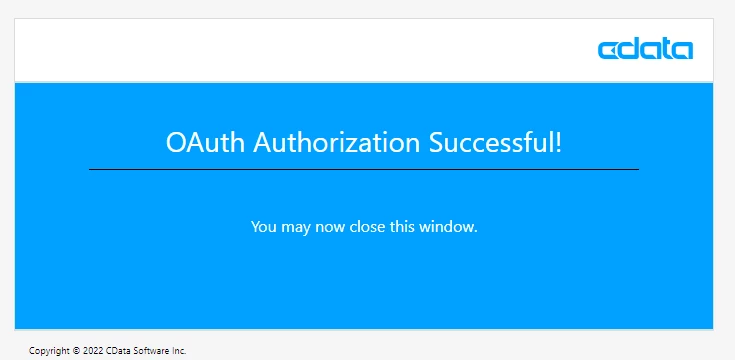
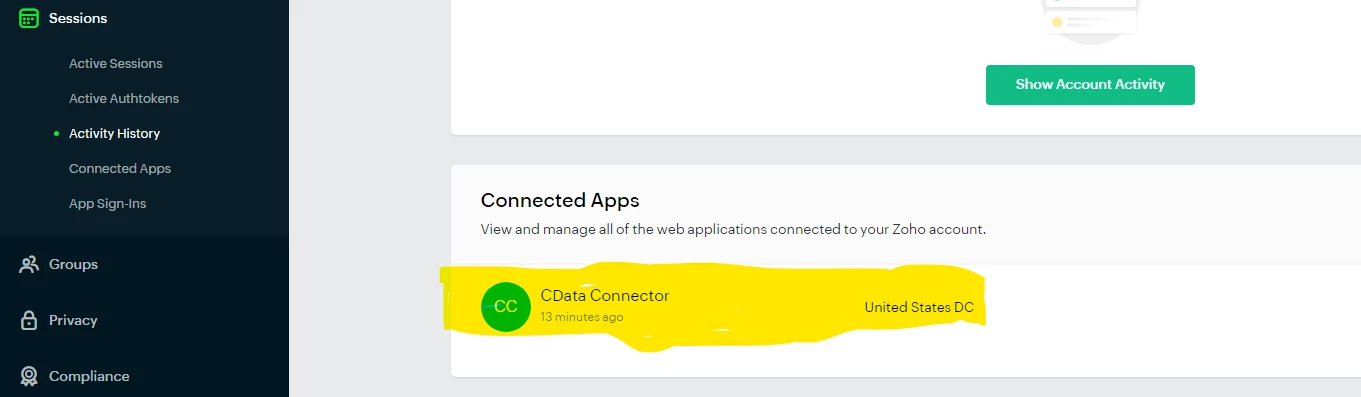
I do get authorized on the Zoho CRM server. However on connector side of the CData component I get the error message as shown on the last image below.


Error Message


Best answer by Julio_Ravazzano

Thanks a million to Erold Bardhollari. My connector is working now.

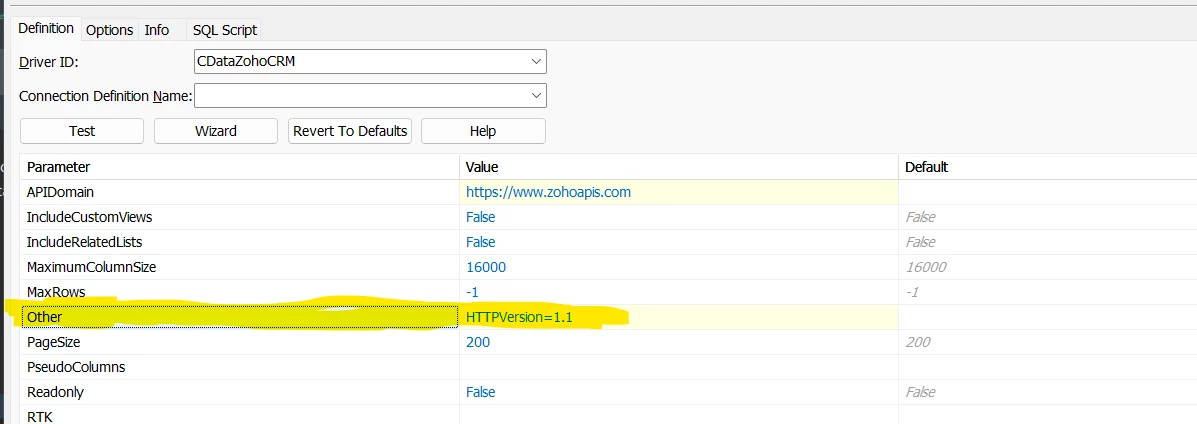
In case someone else runs into the same issue, the solution suggested by Erold : Go to the “Other” property on the connector GUI and set the value to  HTTPVersion=1.1     It worked immediately after that.


This topic has been closed for replies.

5 replies

Ethem Q
Forum|alt.badge.img
  • Employee
  • September 25, 2023

Thank you for posting your issue here. In general the "Remote host disconnected during SSL negotiation" error can be caused by an unfortunately large number of issues, however the most likely cause would be an issue with the cipher suites on your machine. Generally setting the SSLServerCert=* should fix the issue provided that your Windows OS is up to date. 


However one other thing you can try is setting the following configuration setting in the connection editor in Other:

Other= UseInternalSecurityAPI = True


Doing so, should cause the driver to use the internal TLS implementation of a set of components it uses over what is available on the client machine itself.


If even the above does not resolve the issue, please capture a Wireshark trace by following the instructions here and send it over to [email protected] along with more information on the Windows OS version running on your machine so that our support team can investigate this further.


Forum|alt.badge.img

Thank you Ethern Q,

I enclose the Wireshark file as requested. I generated it from square one, meaning, I deleted the connection that was created on the ZohoCRM server. Then I recreated it. 

My local IP address on the “dialog” is 10.29.7.40 and the Zoho IP address is 136.143.191.111

I enclose 2 files: 

1.- JulioRavazzano (with connection creation).zip : Contains the creation of the connection from square one until I get the SSL error message at the end.

2.-JulioRavazzano (pushing the test button).zip : Contains the attempt to test the connection by clicking the “Test” button on the CDataZohoCRM connection editor. Less chatty. 


I did try using  UseInternalSecurityAPI = True I copied and pasted it as shown on this line (on the “Other” field). It did not work. I am not sure if the format is properly. I did try too using  the format UseInternalSecurityAPI := True  (with a colon) as it is Delphi and assignments are donde using “:=” but it did not work either.            


The enclosed Wireshark file is based on this parameters.

================================
Connection definition parameters
================================
InitiateOAuth=GETANDREFRESH
CallbackURL=http://localhost:33333
SSLServerCert=*
APIDomain=https://www.zohoapis.com
DriverID=CDataZohoCRM
Pooled=False
================================
FireDAC info
================================
Tool = RAD Studio 11.0
FireDAC = 28.0.0 (Build 106147)
Platform = Windows 32 bit
Defines = FireDAC_NOLOCALE_META;FireDAC_MONITOR
================================
Client info
================================
Loading driver CDataZohoCRM ...
  Creating CData environment handle
================================
Session info
================================
Failed to connect to DBMS !
[FireDAC][Phys][CData]Remote host disconnected during SSL negotiation.


Forum|alt.badge.img

I am afraid that this issue has to do something with a setting on the CDataZohoCRM or a bug.

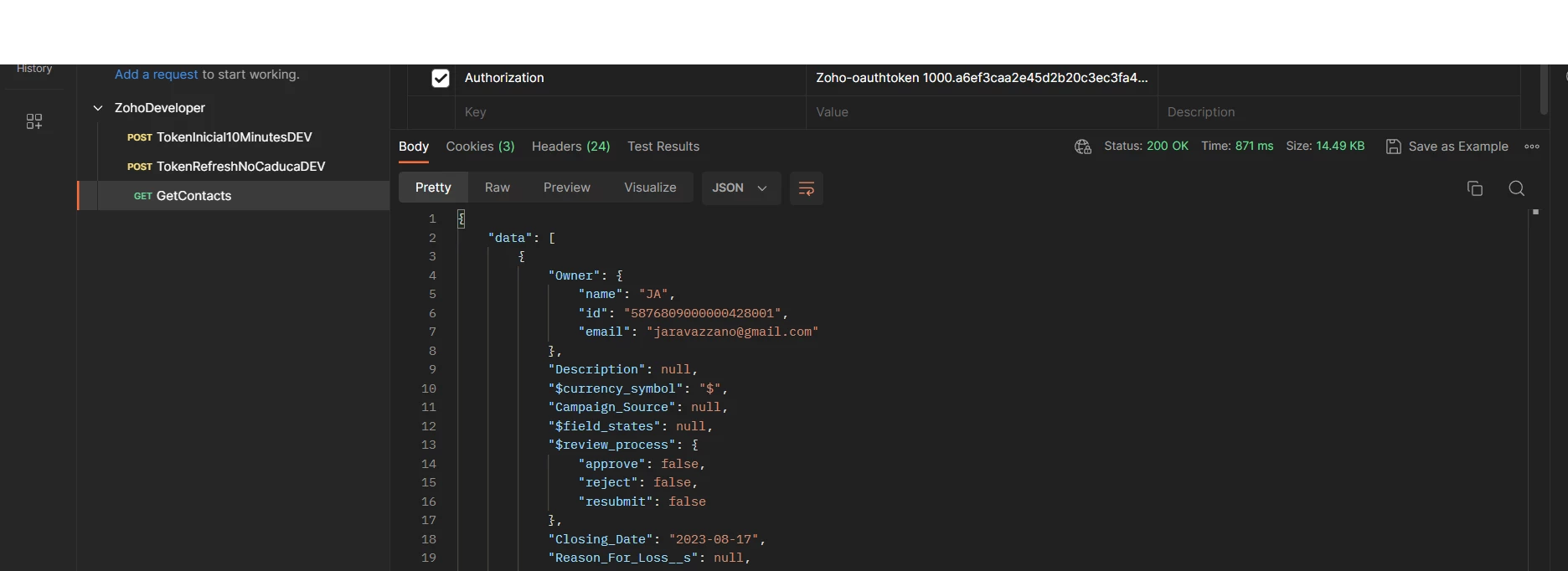
I have tried  Postman and the Embarcadero Rest Debugger that comes with Delphi. As you can see on Postman (First screen below) I can even access the data in Zoho.


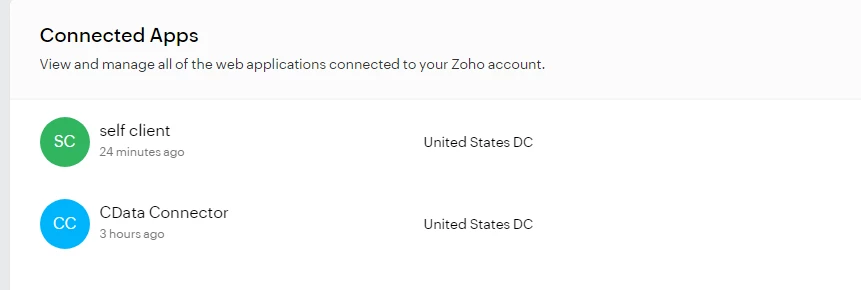
I manually created the “Self client” on the screen below and I entered manually on the component the “OAuthClientID”, “OAuthClientSecret” and the “OAuthRefreshToken. and I always failed with the SSL problem. 


Forum|alt.badge.img
  • Author
  • Apprentice
  • Answer
  • September 29, 2023

Thanks a million to Erold Bardhollari. My connector is working now.

In case someone else runs into the same issue, the solution suggested by Erold : Go to the “Other” property on the connector GUI and set the value to  HTTPVersion=1.1     It worked immediately after that.


Forum|alt.badge.img
  • Employee
  • October 2, 2023

Hi Julio. Happy to hear that the issue was resolved for you!